3ds Max Material 材質教學
Author: Kelvin Huang
3ds Max Material 材質教學
打開材質編輯器(快速鍵 M),可使用 Modes > Compact Material Editor 切換到精簡材質編輯器。
3ds Max 2026 版本開始,預設是 OpenPBR 材質,點擊紅色圈圈可切換使用不同的材質類型。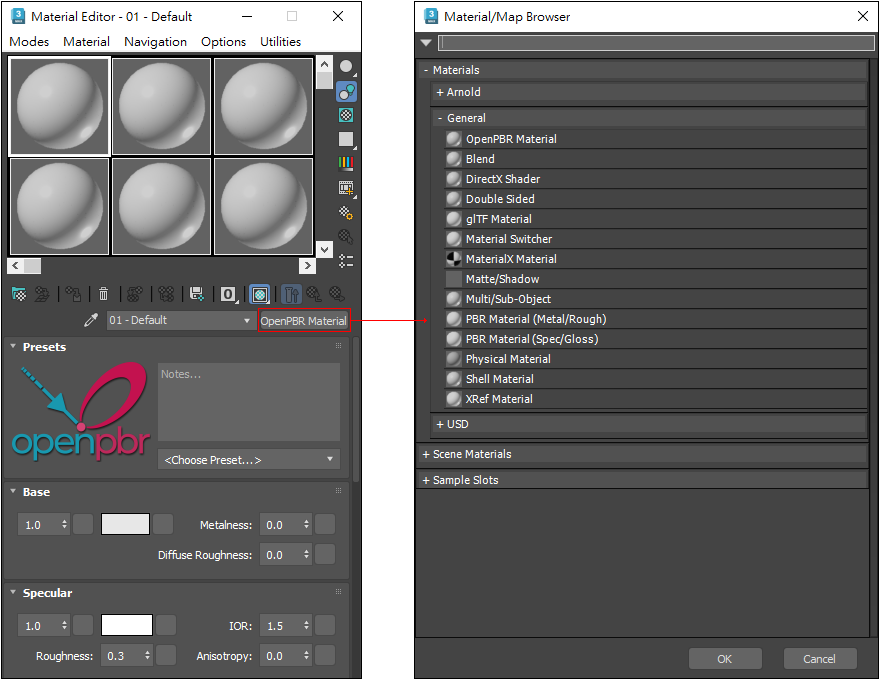
OpenPBR 是 3ds Max 新版提供的標準化 PBR 材質,使用基於物理的方式模擬真實世界表面,例如金屬、塑膠、玻璃、木頭、布料、發光材質與清漆鍍膜等。它的優點是參數邏輯更統一,也更適合搭配 Arnold、MaterialX 與 USD 等現代 3D 製作流程,讓材質在不同軟體與渲染器之間更容易保持一致。
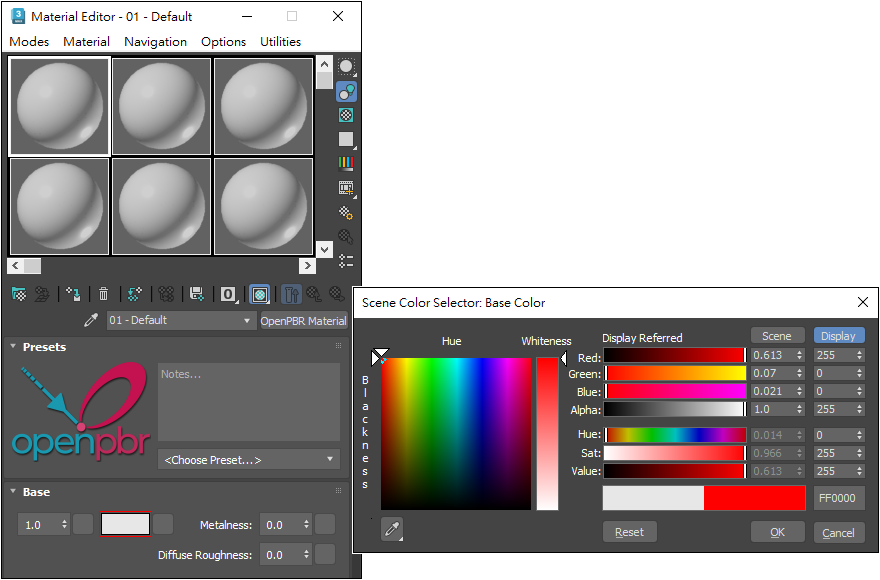
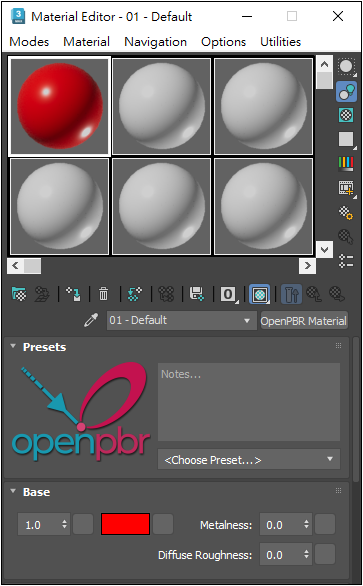
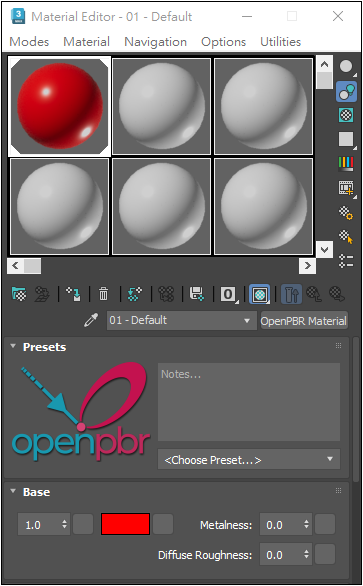
OpenPBR 提供預設材質,包括:...... Polished Granite 拋光花崗岩 / Glazed Ceramic 釉面陶瓷 / Glossy Plastic 光滑塑膠 / Matte Plastic 霧面塑膠 / Masonry 石工 / Rubber 橡膠
{Transparent Materials} 透明材質: Glass (Thin Geometry) / Glass (Solid Geometry) / Frosted Glass (Physical) 磨砂玻璃
{Metals} 金屬材質: Brushed Metal / Polished Aluminum / Matte Aluminum 霧面的鋁 / Polished Copper 拋光銅 / Copper 銅 / Stained Copper 染色的銅 / Old Copper 老舊的銅 / Patterned Copper 銅 / Silver 銀 ......
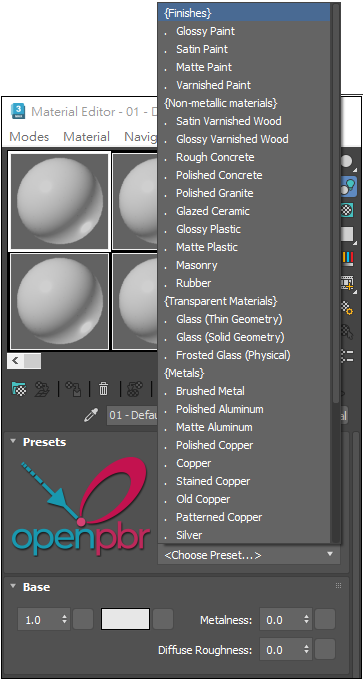
Viewport 預覽材質效果,預設不顯示反射與折射效果 ↓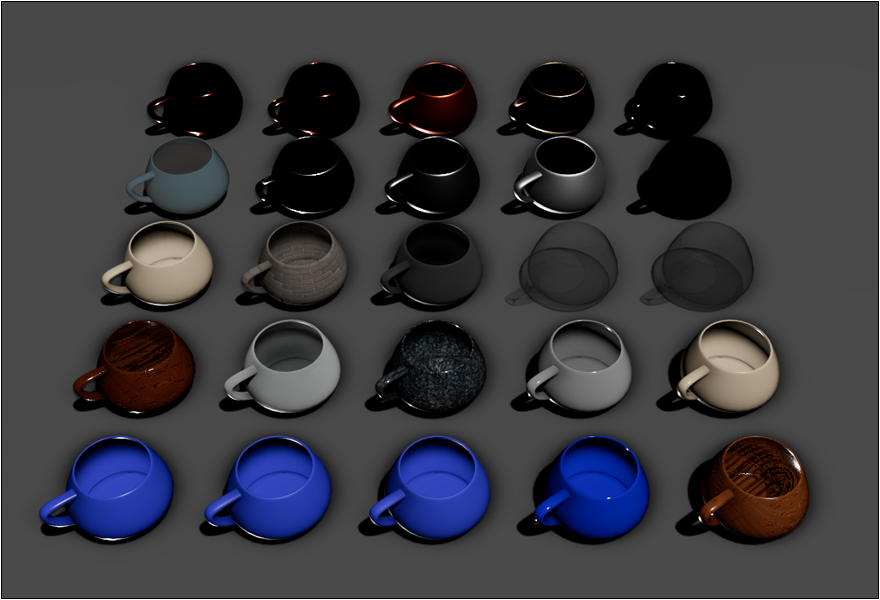
Viewport 開啟 ActiveShade 將會更接近實際渲染效果 ↓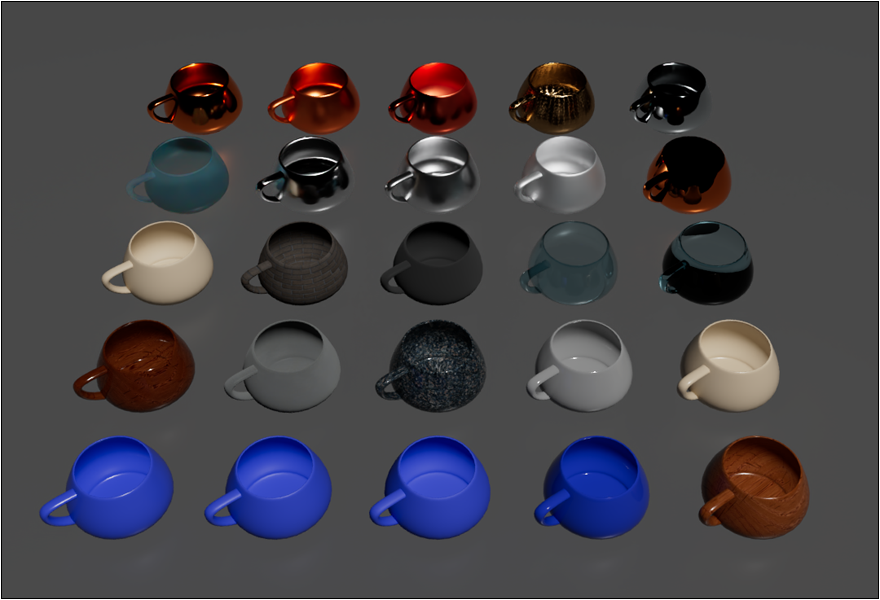
OpenPBR Material / PBR Material 有何不同?
OpenPBR Material 是新一代標準化、較完整的 PBR 材質;而 PBR Material 偏向提供給遊戲引擎貼圖流程使用的 PBR 材質。
將預設的材質類型 OpenPBR Material 改為 PBR Material (Metal/Rough)
8-53截圖 -1-2
Bitmap, Checker
材質加貼圖的話,選擇 Bitmap 再選擇貼圖檔案。
清除的話,在 Material Parameters 下方的貼圖通道,按滑鼠右鍵再選擇 Clear 即可清除。
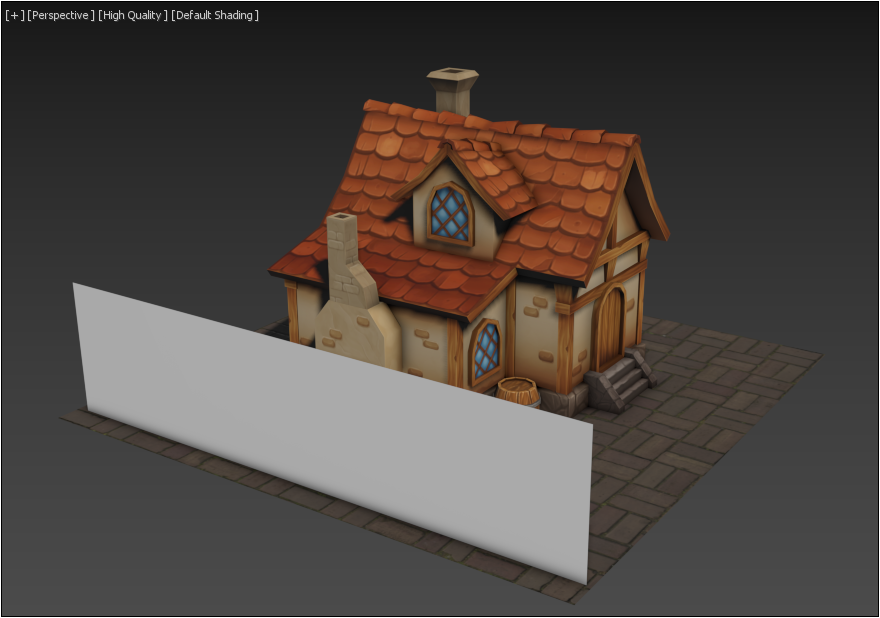
打開材質編輯器(快速鍵 M),可使用 Modes > Compact Material Editor 切換到精簡材質編輯器。
3ds Max 2026 版本開始,預設是 OpenPBR 材質,點擊紅色圈圈可切換使用不同的材質類型。
OpenPBR 是 3ds Max 新版提供的標準化 PBR 材質,使用基於物理的方式模擬真實世界表面,例如金屬、塑膠、玻璃、木頭、布料、發光材質與清漆鍍膜等。它的優點是參數邏輯更統一,也更適合搭配 Arnold、MaterialX 與 USD 等現代 3D 製作流程,讓材質在不同軟體與渲染器之間更容易保持一致。
OpenPBR 提供預設材質,包括:...... Polished Granite 拋光花崗岩 / Glazed Ceramic 釉面陶瓷 / Glossy Plastic 光滑塑膠 / Matte Plastic 霧面塑膠 / Masonry 石工 / Rubber 橡膠
{Transparent Materials} 透明材質: Glass (Thin Geometry) / Glass (Solid Geometry) / Frosted Glass (Physical) 磨砂玻璃
{Metals} 金屬材質: Brushed Metal / Polished Aluminum / Matte Aluminum 霧面的鋁 / Polished Copper 拋光銅 / Copper 銅 / Stained Copper 染色的銅 / Old Copper 老舊的銅 / Patterned Copper 銅 / Silver 銀 ......
Viewport 預覽材質效果,預設不顯示反射與折射效果 ↓
Viewport 開啟 ActiveShade 將會更接近實際渲染效果 ↓
OpenPBR Material / PBR Material 有何不同?
OpenPBR Material 是新一代標準化、較完整的 PBR 材質;而 PBR Material 偏向提供給遊戲引擎貼圖流程使用的 PBR 材質。
將預設的材質類型 OpenPBR Material 改為 PBR Material (Metal/Rough)
8-53截圖 -1-2
Bitmap, Checker
材質加貼圖的話,選擇 Bitmap 再選擇貼圖檔案。
清除的話,在 Material Parameters 下方的貼圖通道,按滑鼠右鍵再選擇 Clear 即可清除。
Copyright © 2026 CG Digital Corp. All rights reserved.